



Looking for your next investment opportunity? In addition to properties for lease and sale, you can also browse Ten-X auction properties on LoopNet. But did you know that you can also register to bid on these properties directly on LoopNet?
Before you can participate in an auction event, you will need to register to bid for each specific asset you plan to bid on and receive approval.
Fortunately, this is a quick, simple process that you can take care of entirely online, without even leaving the LoopNet website.
How to register to bid on LoopNet
First, visit the Listing Details Page (LDP) for the asset you’d like to bid on. You can see a list of all properties currently available for auction by clicking the “Auctions” tab on the LoopNet homepage. Once you’re on the LDP of your chosen property, click the red “Register to Bid” button.
If you’re already logged in to your LoopNet account, you’ll automatically be taken to the bidder registration process. If you are not logged in, you will need to provide your LoopNet account credentials or register for an account if you do not have one.
Once you’re logged in, these are the steps to registering:
1. Confirm your contact details.
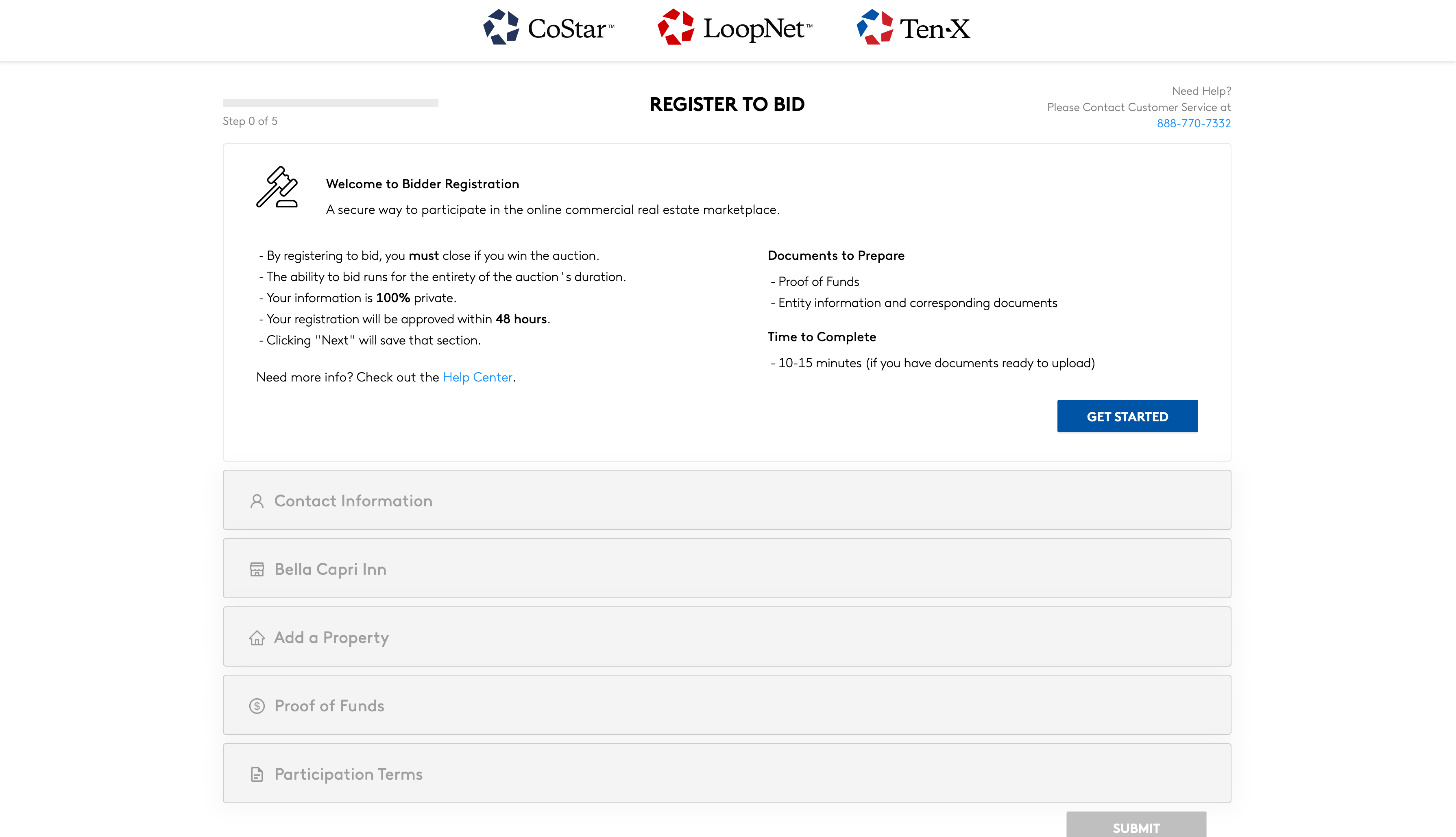
Please ensure that this information is accurate, as we will use this information to contact you if you are the winning bidder.
2. Provide the buyer information for the purchase documents (“Issue Contract To”).
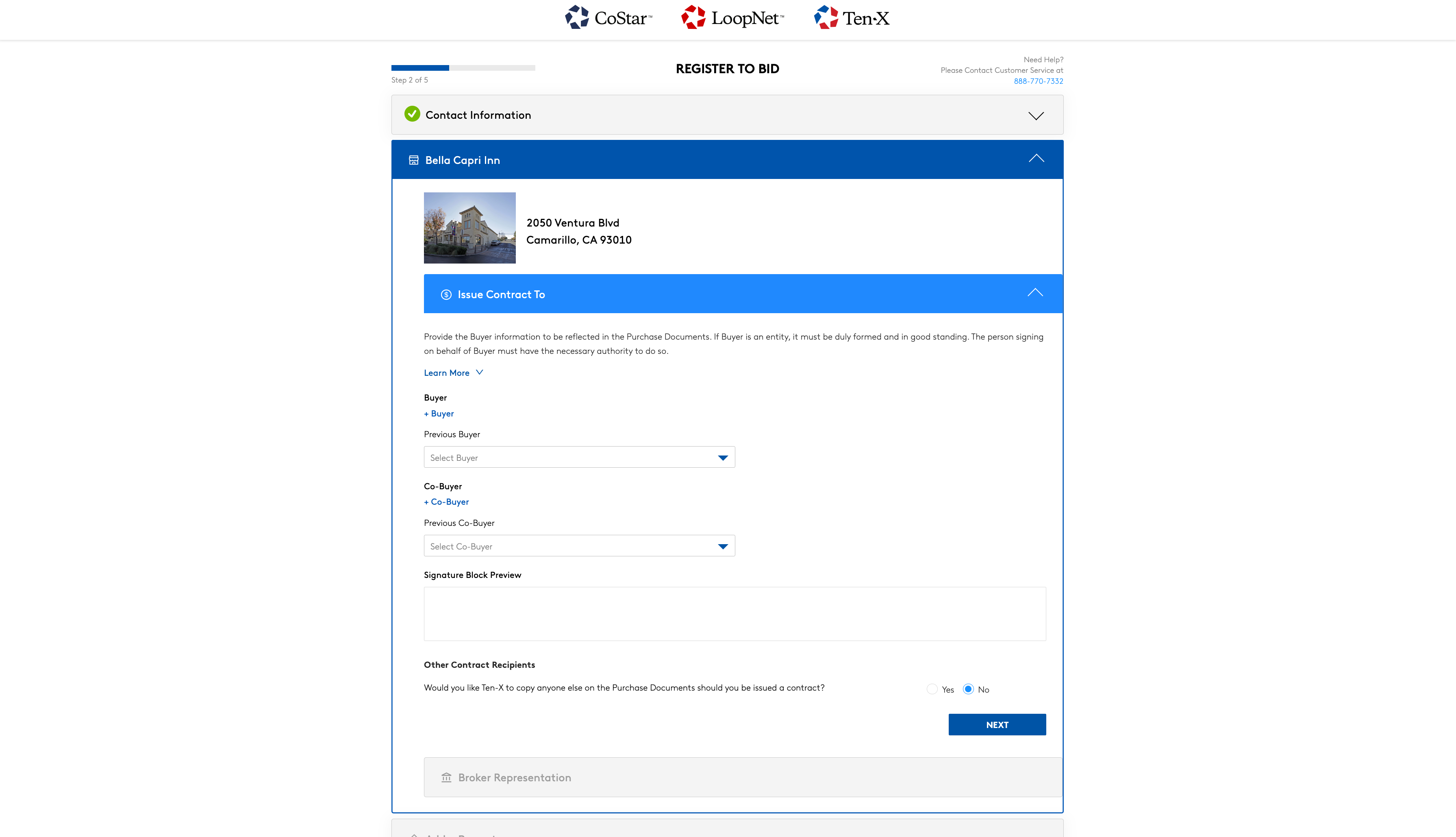
Click on the “+ Buyer” and provide the requested information. Before you, be sure to preview the signatory block to ensure the information populates correctly, as this signatory block will be used on the Purchase and Sale Agreement (PSA). We cannot issue a contract to a TBD entity or entity and assignees.
Co-Buyers
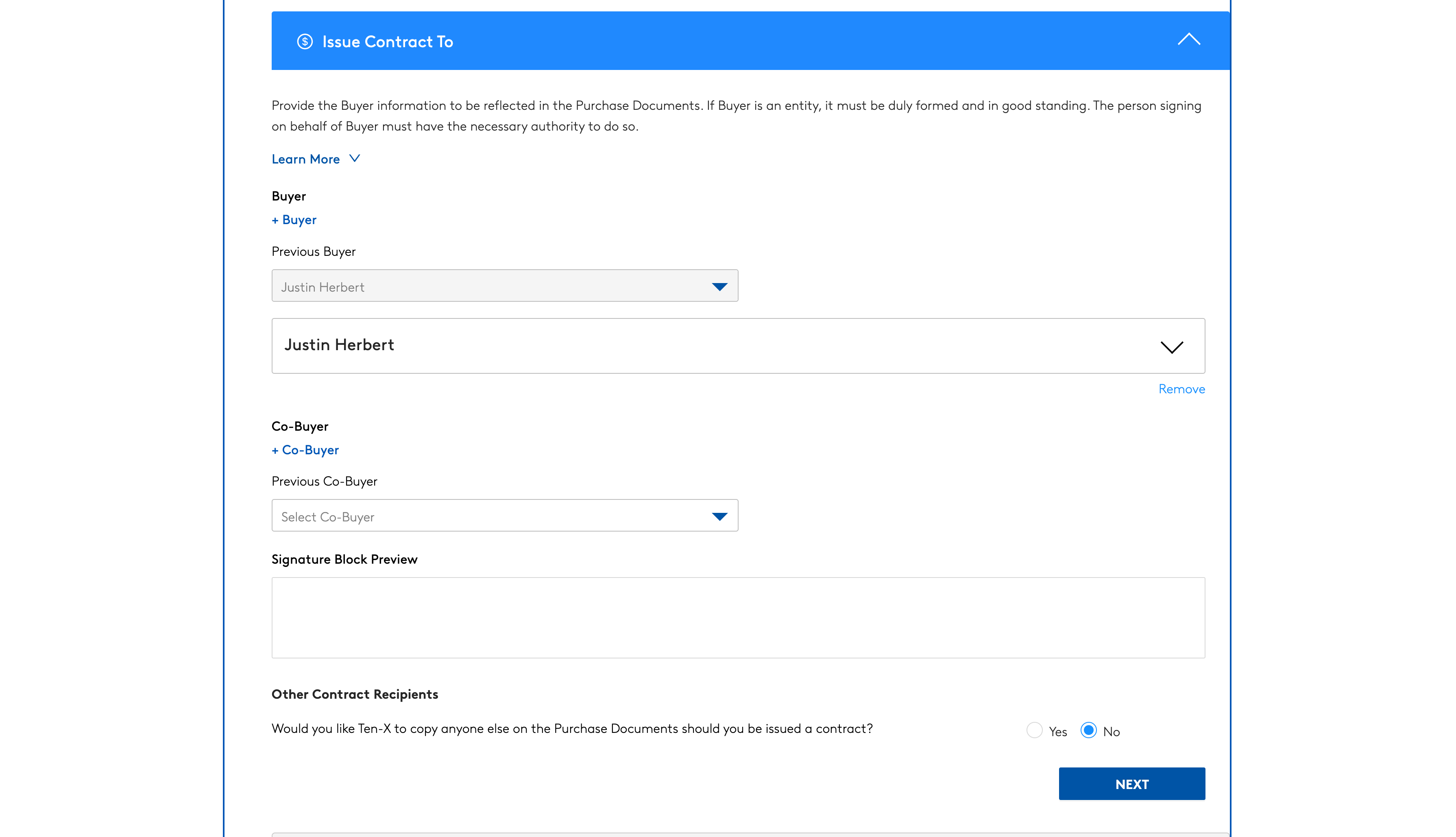
If you would like to add a co-buyer, you can do so by clicking “+ Co-Buyer”. As you did with the buyer information, make sure to preview and confirm signor details are correct.
Other Contract Recipients
You can also include other Contract Recipients. Provide the Buyer information to be reflected in the Purchase Documents. Please note that if you are purchasing the property under an entity, the entity must be duly formed and in good standing. The person signing as the Buyer must have the necessary authority to do so.
Broker Representation
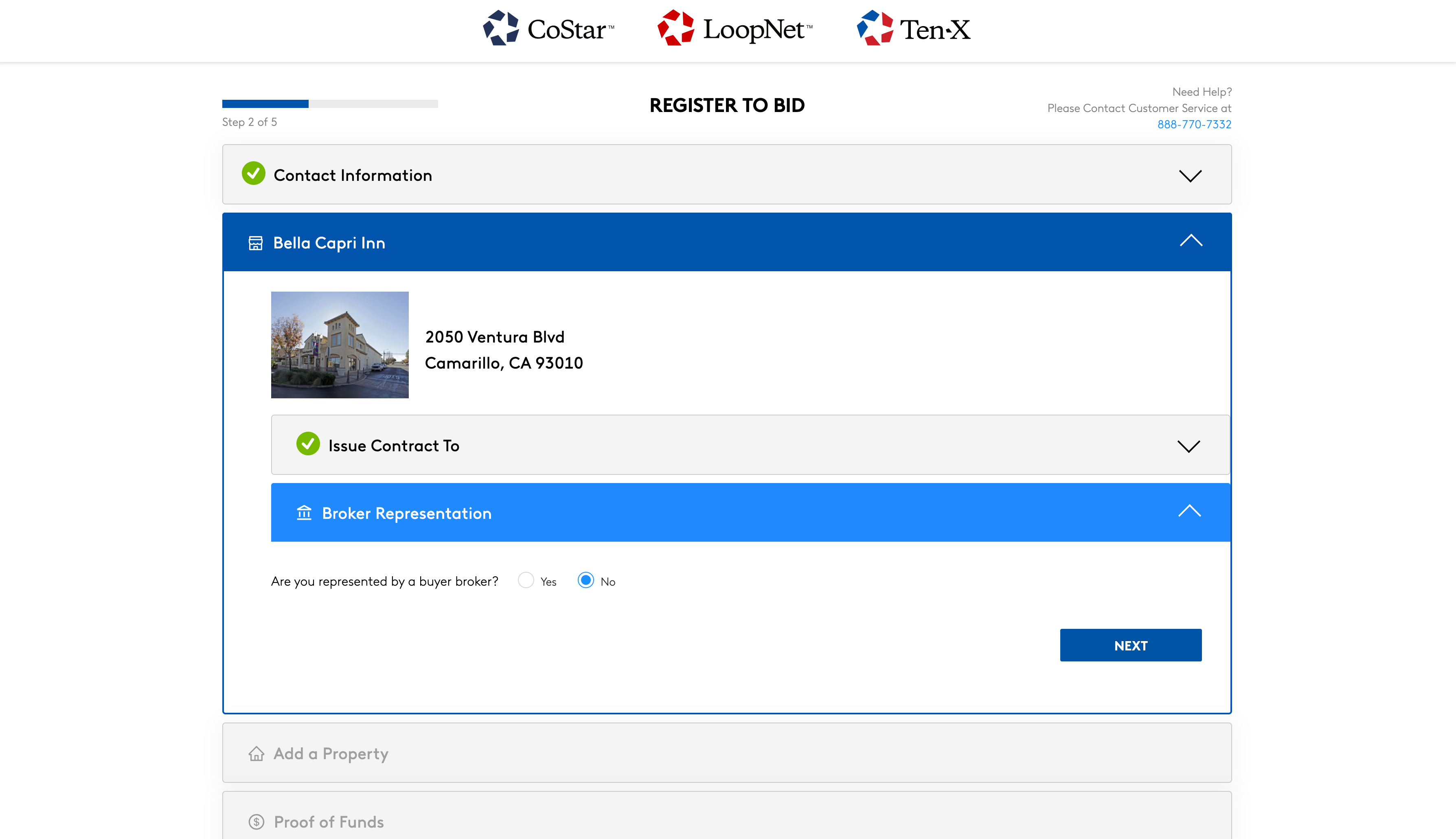
If you are represented by a broker, please select “Yes” when prompted and provide their information. Note that brokers will be eligible for a co-op only on properties where “Broker Co-Op Available” is listed on the LDP. If a co-op is not advertised, your broker can still be included in the purchase agreement correspondence by completing this step of the registration.
3. Add additional properties.
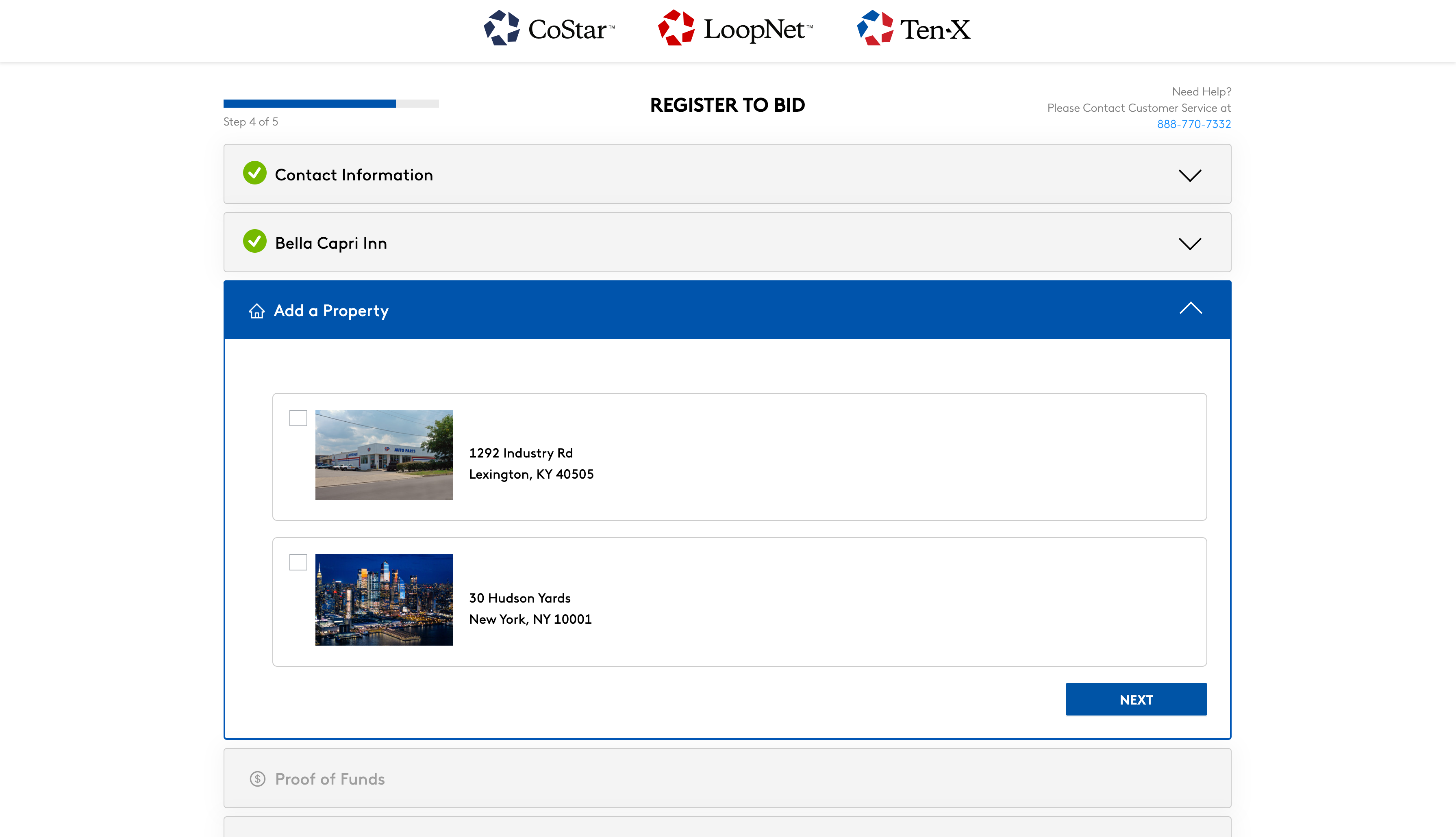
Select any Additional Properties you would like to add. Please note that you will be prompted to complete your buyer vesting for the acquisition of these alternate properties.
4. Provide proof of funds
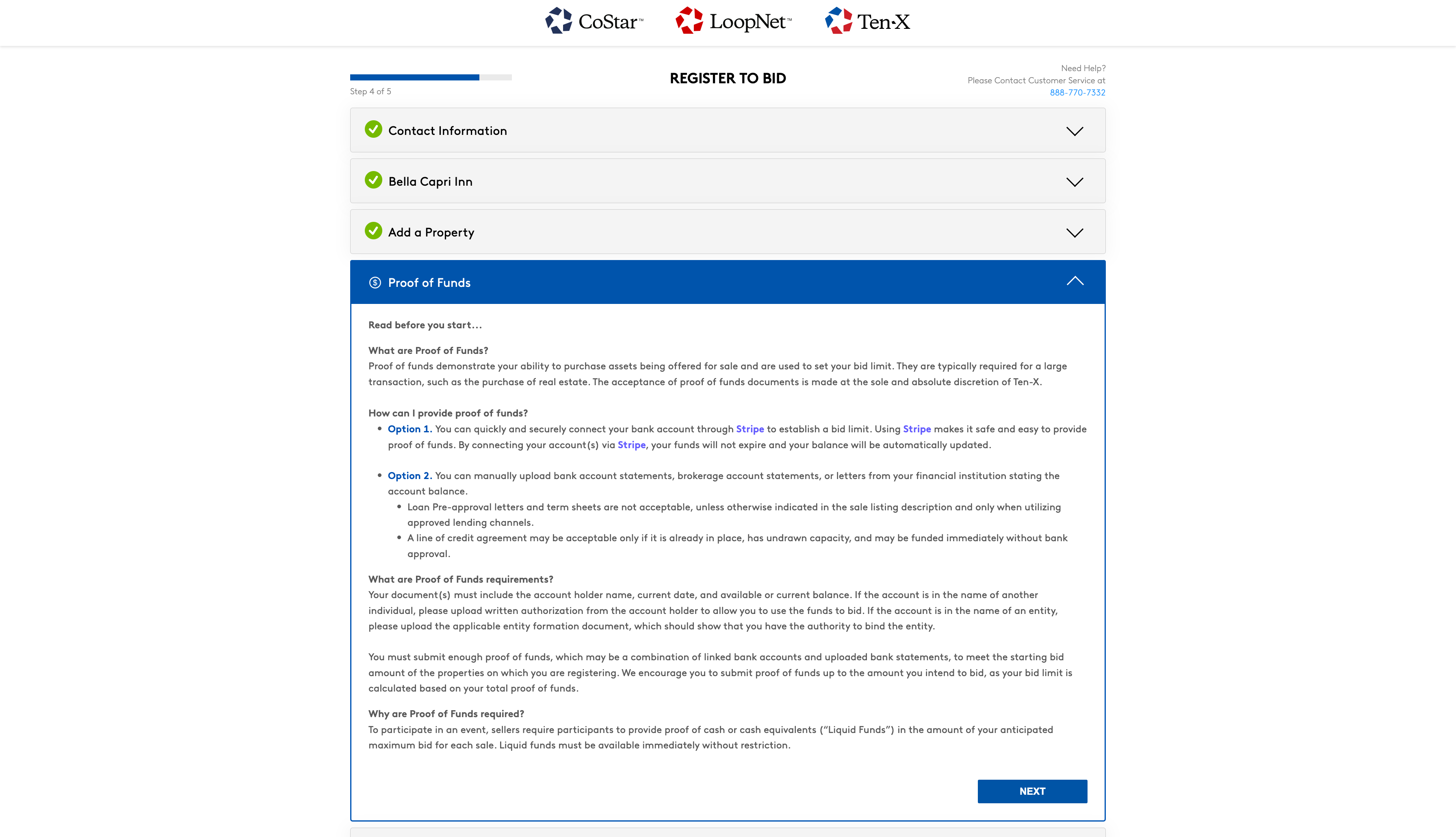
In order to participate in an auction event, sellers require participants to provide proof of cash or cash equivalents (“Liquid Funds”) in the amount of your anticipated maximum bid for each sale. Liquid funds must be available immediately without restriction.
Keep in mind that in order to move to the final step of registration, you must link or submit proof of funds equal to the starting bid amount of the asset you wish to register for in the upcoming auction. Once sufficient funds are provided, you will be able to select “Next”.
You have two options to provide your proof of funds.
Option 1 (Recommended)
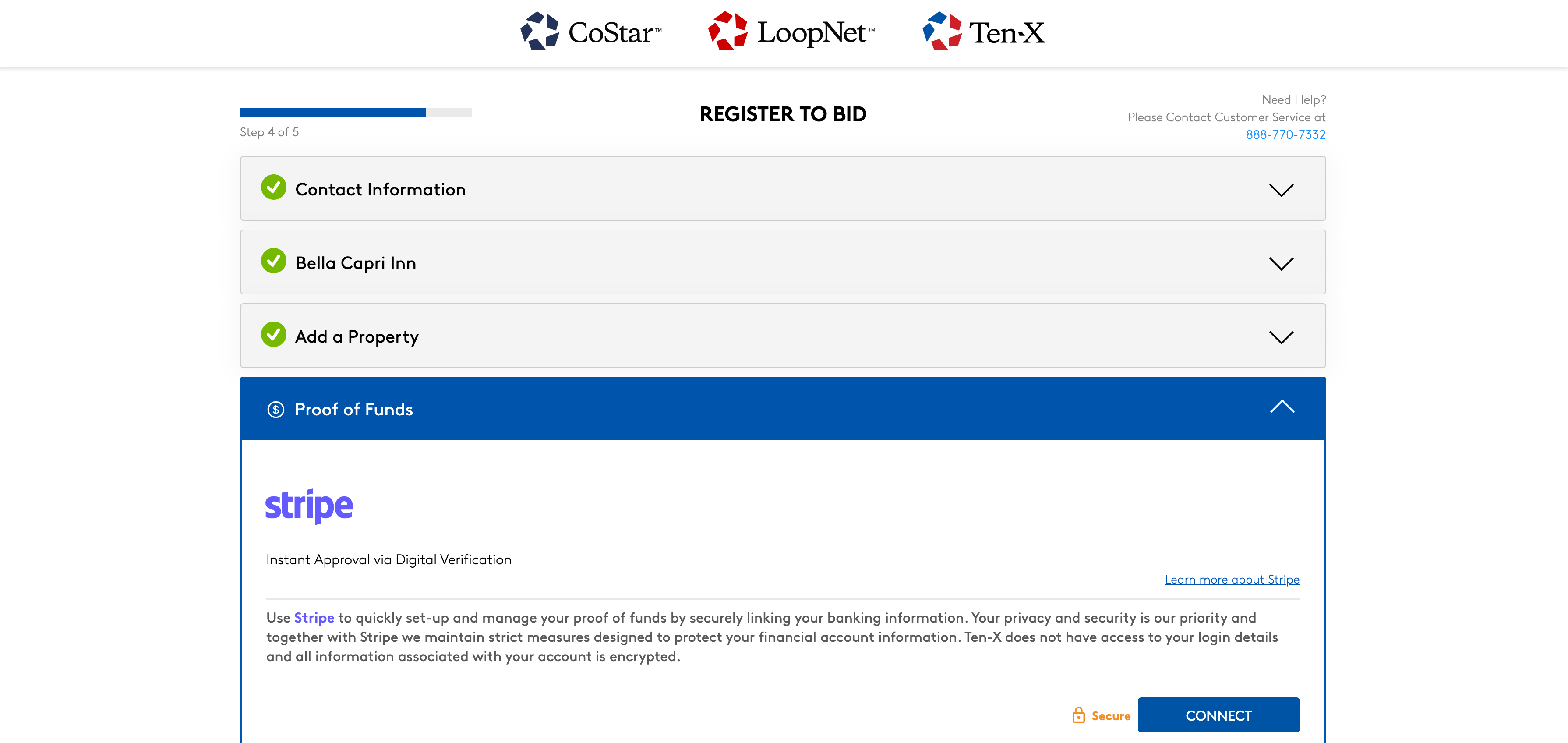
You can quickly and securely connect your bank account through Stripe to establish a bid limit in a safe and easy method. By connecting your account(s), your funds will not expire and your balance will be automatically updated in real time.
Option 2
You can manually upload bank account statements, brokerage account statements, or letters from your financial institution stating the account balance. Loan pre-approval letters and term sheets are not acceptable, unless otherwise indicated in the sale listing description and only when utilizing approved lending channels.
A line of credit may be acceptable only if it is already in place, has undrawn capacity, and may be funded immediately without bank approval.
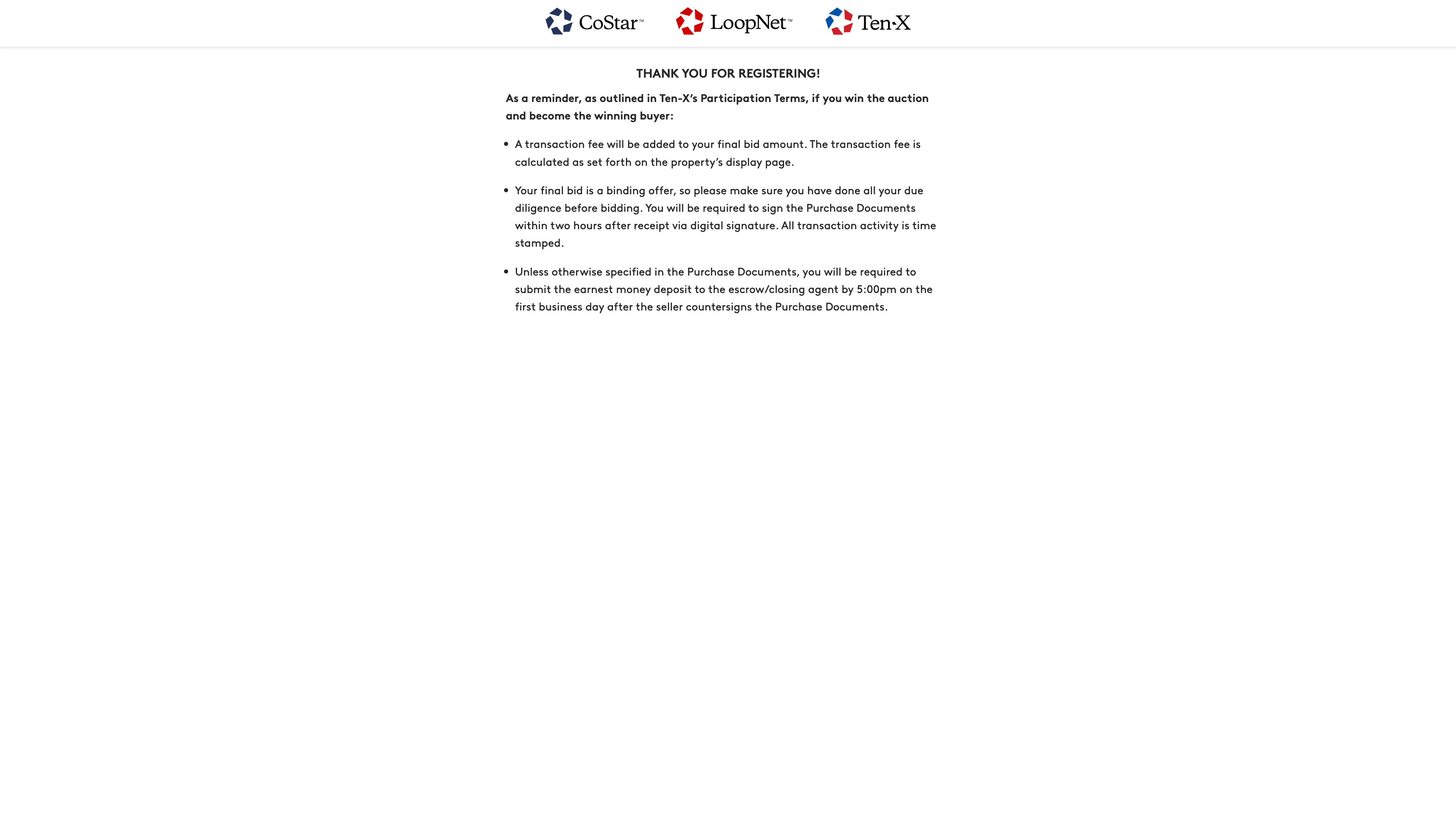
5. Review participation terms and click “Accept and Agree”.
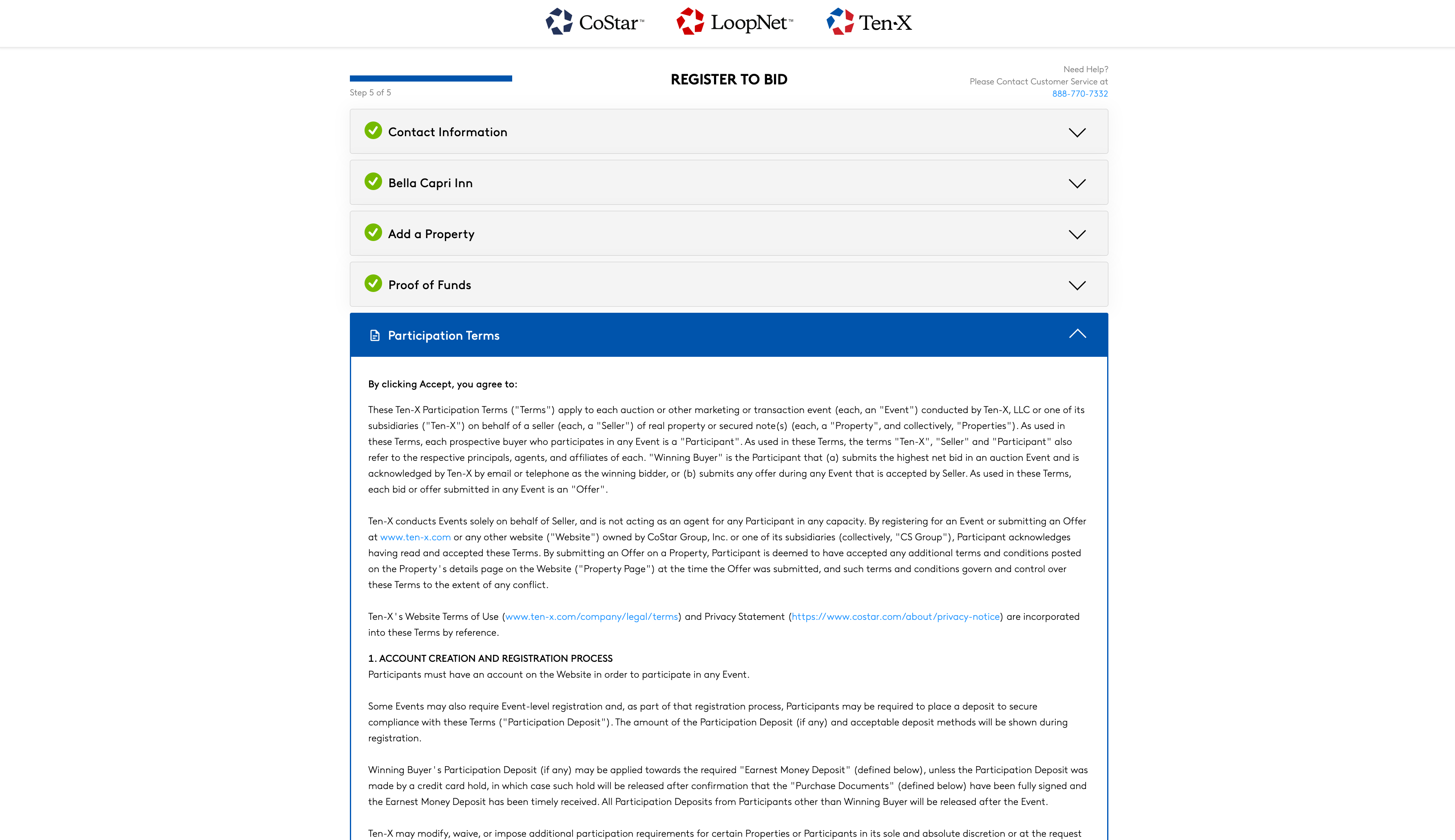
Please read the terms carefully and in their entirety before you finish the registration process.
What if I want to change the contracting entity after I win?
We will only issue contracts to individuals or existing entities. Many buyers choose to buy assets with Special Purpose Entities (“SPE”). Purchase Agreements are usually—but not always—assignable to these SPEs after they are entered. We encourage you to review the assignment provisions in the Purchase Agreement of the asset you wish to purchase.
When should I register to bid?
In order to participate in an auction, you must have registered and been approved to bid prior to the start of the auction event.
Accelerate your CRE transactions with LoopNet and Ten-X
Ready to find your next investment opportunity? Browse our upcoming auction properties on LoopNet.